1
Open Manage Repositories
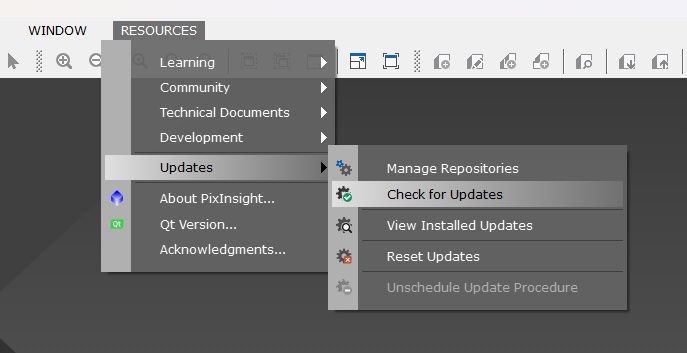
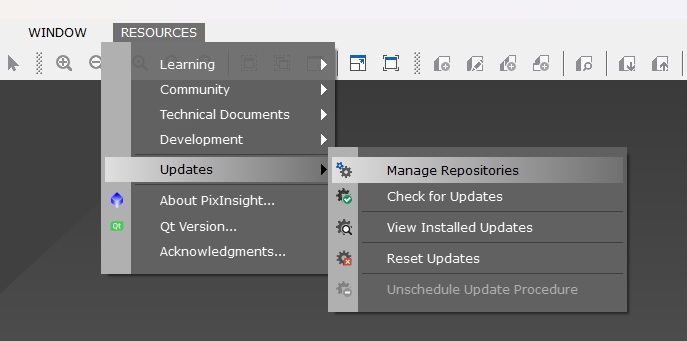
In PixInsight, go to Resources, then Updates, then Manage Repositories.
PixInsight repository setup
If you opened this page in a browser, nothing is broken. Copy the repository URL below, then add it in PixInsight through the update repository manager.
In PixInsight, go to Resources, then Updates, then Manage Repositories.
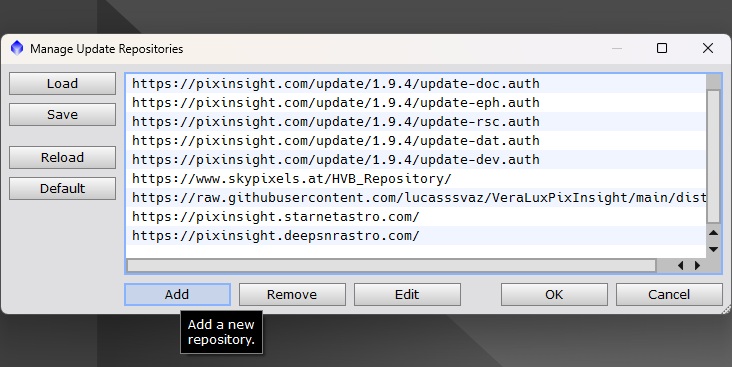
In the repository manager window, click the Add button.
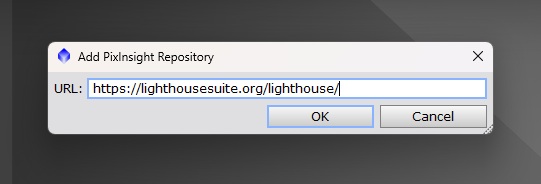
Paste the copied URL into the repository URL field, then press OK.
Run Check for Updates, install the available Lighthouse update, and restart PixInsight if requested.